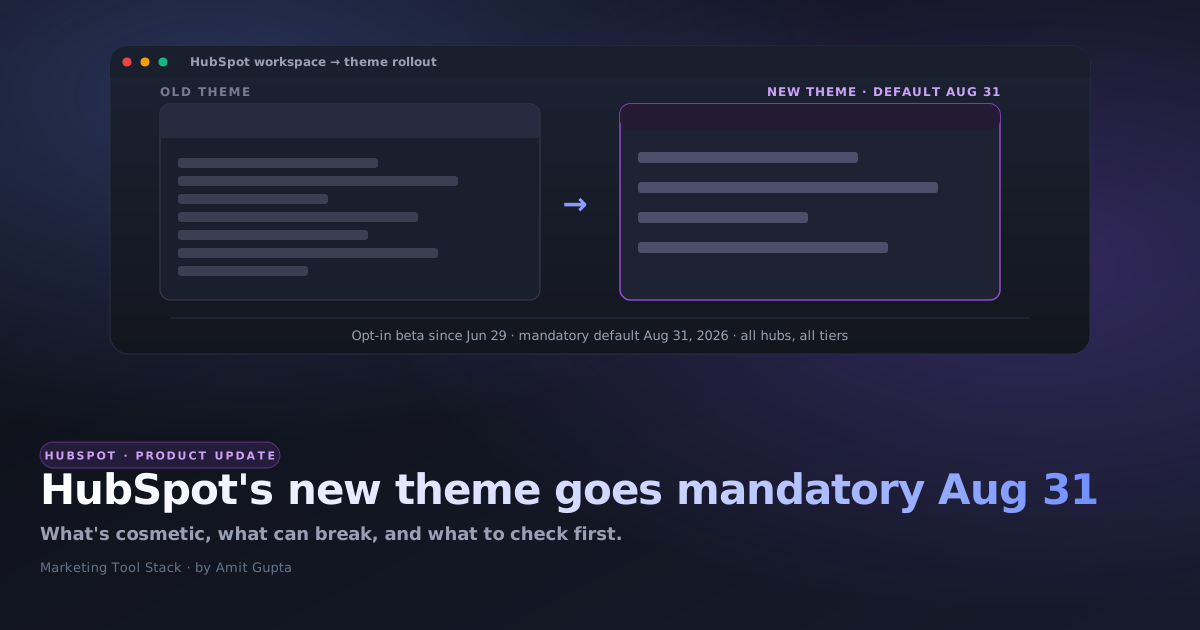

Every HubSpot account gets a new look whether anyone asks for it or not. On August 31, 2026, HubSpot's redesigned interface stops being an opt-in beta and becomes the default for every hub and every tier. You've had since June 29 to try it early. If you haven't looked yet, the date that matters is on your calendar, not in a changelog you'll read later.
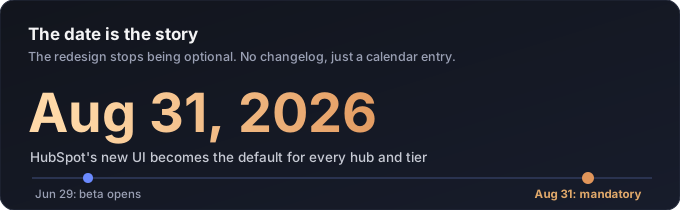
I know a UI refresh doesn't sound like news next to a quote-to-cash relaunch or an AI skill in beta. But of everything HubSpot has shipped this quarter, this is the one change that touches every single user, on a hard date, with no functional opt-out once it lands. That combination is rare enough to be worth five minutes of your week, even if the change itself is "just" visual.
What HubSpot actually announced
Per HubSpot's own community post, "HubSpot's new design brings your work into focus," the redesigned interface brings a lighter overall feel, cleaner typography, and more intentional spacing, moving away from heavy headers toward views that let the content itself take center stage. Starting Monday, June 29, 2026, any account could opt into the public beta from the profile menu ("Switch to the new theme") and try it early. HubSpot says the new look becomes the default for all customers, across every hub and every tier, on August 31, 2026.
HubSpot is explicit about the boundary: navigation and structure aren't changing, so there's "nothing to relearn." This is styling, not a rebuild. Your workflows, your CRM data, your integrations, and your API behavior aren't part of this release.
What's cosmetic, and what isn't
Read HubSpot's own framing carefully and the split is clean. Typography, spacing, header weight, and the general "feel" of the product change. Where things live, how workflows fire, what your CRM stores, and how your integrations talk to HubSpot's API do not. That's the right way to ship a design system change, and it's worth saying plainly: HubSpot is not hiding a functional migration inside a paint job here, going by what they've published.
Where a "just visual" update still bites you
The functional promise is fine. The part HubSpot can't promise is that nothing built on top of the current look survives the switch, because none of these things are HubSpot's to protect.
- Training material with embedded screenshots. Onboarding decks, SOPs, and recorded Looms showing "click here" against the current header and spacing will visually mismatch what a new hire sees live. That's a real maintenance item for anyone who owns enablement, not a nitpick.
- Custom CSS or JS layered on top of the HubSpot UI. If your team (or an app you use) injects styling through a browser extension or bookmarklet to hide, relabel, or reposition specific HubSpot elements, it is almost certain to be targeting today's class names and pixel positions. HubSpot doesn't publish a stability guarantee on those across a redesign, so treat any of that customization as untested until you've opened it under the new theme.
- Product screenshots in your own marketing. Comparison pages, case studies, and blog posts that show a HubSpot screen (including some on this site) will look dated within weeks of August 31. Budget a refresh pass rather than letting them go stale quietly.
What to actually do before August 31
- Opt a sandbox or a low-risk account into the new theme now (profile picture → Switch to the new theme) and skim the five views your team lives in.
- Flag any custom CSS or JS layered onto the HubSpot UI, whether it's yours or a browser extension your team relies on, and retest it after switching, since selectors can break silently.
- Inventory the training material and SOPs with HubSpot screenshots so the refresh is a planned pass in September, not a scramble the week support tickets start.
- Tell your team the date now. A UI change that shows up unannounced reads as "something broke," and that always turns into more tickets than the change deserved.
None of this is a reason to worry about the redesign itself. HubSpot has been fairly careful here: an opt-in window, a fixed date, and an explicit statement that structure and workflows are untouched. It's a reason to spend the next six weeks confirming that statement holds for your specific setup, instead of finding out on August 31 alongside everyone else.
If you're also mid-rollout on HubSpot itself, the order you build in still matters more than any theme change will. I laid out that sequence in the HubSpot onboarding guide, and the other real product news from this quarter, the Commerce Hub to Revenue Hub rename, is in this post.
So the actual test of this rollout isn't whether HubSpot's new theme looks better. It's whether anyone on your team notices the day it flips. If nobody does, you did the six weeks of prep right.
, Amit